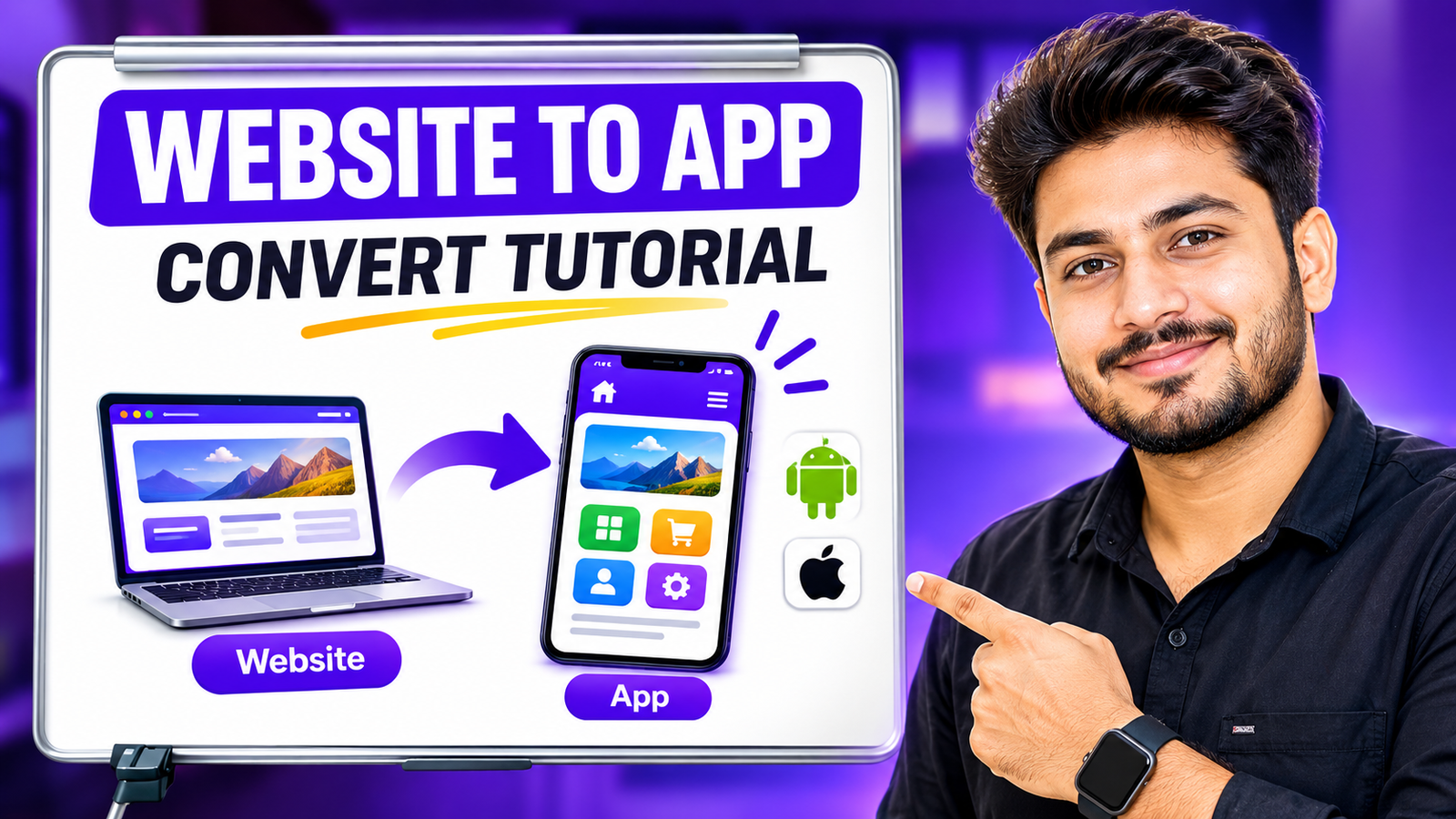
How to Turn Your Website into an Android App for Free (Without Ads or Watermarks)
Have you ever wanted to turn your website or web app into a real Android application, but stopped because developers charge too much? Or maybe you tried a free tool, only to find out it fills your app with annoying ads and watermarks.
There is a perfect solution. SwiftAPK.io is a completely free platform that lets you change any website into a professional APK. You do not need to know any coding, and there are absolutely no ads or watermarks involved.
Here is a simple, step-by-step guide on how to do it:
1. Getting Started and Account Setup
First, go to the SwiftAPK.io website and click on the 'Build' button. You will need to sign up by entering your name, email address, and a password. Check your email inbox for a verification code (OTP), type it into the website, and your account is ready to go!
2. Adding Your App Details
Once you are logged in, click the 'Add' button to start creating your new app. You will see a small form to fill out:
- App Name: Type what you want to call your app.
- Website URL: Put the link to your website here. (You do not need to type the "https://" part).
- Package Name: This sounds technical, but it is just a unique ID for your app (for example, com.yourname.app). This helps mobile phones recognize your app properly.
3. Customizing and Downloading
Next, select the 'Simple' application type for a standard app. Upload your app's logo and click the 'Build' button at the bottom. Now, just relax for a few minutes. You will get an email notification as soon as your APK is ready. Go back to your dashboard, click download, and install the app on your phone!
Why You Will Love the Result
Apps made with this tool look incredibly professional. If your users want to reload a page, they can simply pull down the screen to refresh. Even better, if their internet connection drops, the app will not crash. Instead, it shows a beautiful "offline" screen, and it will automatically reload your website the moment the internet comes back.